
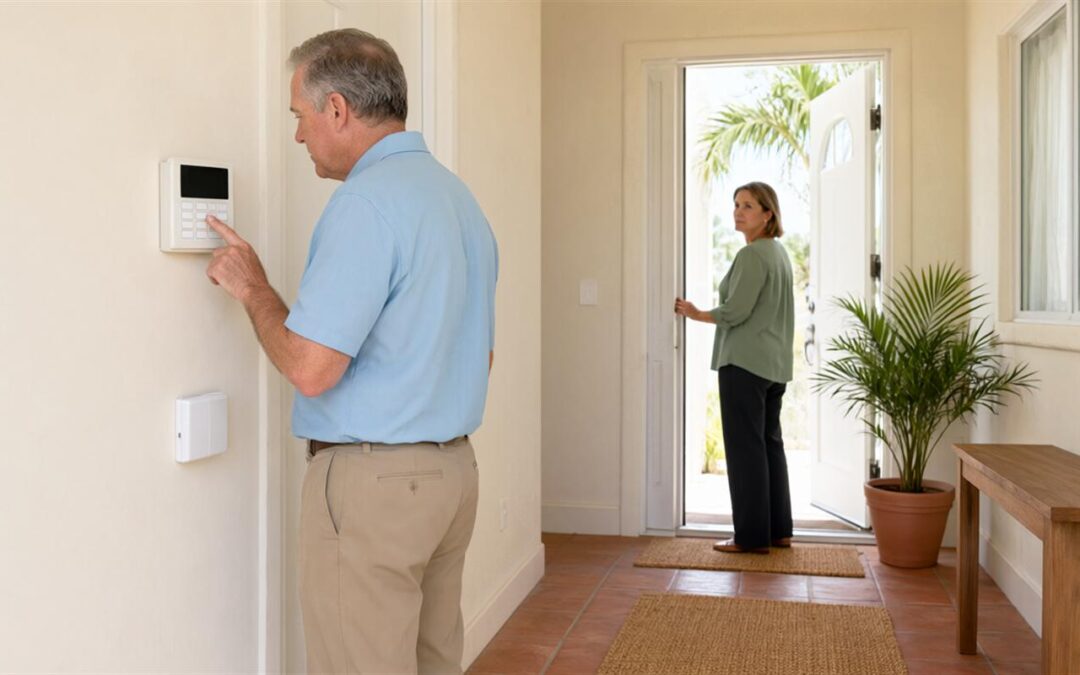
Somewhere in a hallway closet or a home office in Clearwater, there is a control panel that still works. The keypad lights up, the door contacts still click, and the siren still sounds if a zone opens while the system is armed. What is often missing is the answer to a simpler question: who is watching it, and what happens after an alert leaves the building? Existing security system monitoring is less a product than a sequence of checks, and each stage produces something you can confirm before the next one starts.
The order matters because the stages depend on one another. A panel that reports properly is worth little if the account is still in a previous owner’s name, and a signal test is the only reliable way to know that the communicator is reaching a monitoring center rather than a line nobody answers. Working through the process in sequence keeps the surprises near the front, where they are cheapest to fix.
The Difference Between the Equipment and the Monitoring
A security system and a monitoring account are two separate things, and they are settled separately. The equipment — panel, keypad, door and window contacts, motion detectors, siren — detects activity and raises an alert inside the building. The monitoring account decides what happens to that alert next: whether a signal goes out, who receives it, and which phone numbers get called. How security monitoring works for homes and businesses walks through that handoff in detail.
That split is why an older system can still be a reasonable foundation. The hardware may be dated while the signal path is current, or the reverse. Cross Security monitors just about all alarm panels, including systems installed by another company, and does so without a long-term contract, so the equipment question and the service question can be answered on their own terms instead of together.
Step One: Review the Equipment Already in Place
The first stage is a physical review, and its purpose is to produce a list rather than a verdict. What comes out of it is the panel’s make and model, the zones as they are actually wired or paired, and the condition of the parts that fail quietly: the backup battery, the siren, the communicator. That list is what every later stage runs on, and it is also what a monitoring provider needs before quoting anything.
Expect the review to test as well as look. A sensor that reports to the panel during a walk test is doing its job; one that stays silent may be a dead battery, a failed contact, or a zone that was never programmed. Finding that out during a review is easier than discovering it at a keypad a month later. The decision-level questions — what is worth keeping, when a partial upgrade is enough — are set out in what to check before keeping an existing security system in Tampa Bay, which pairs naturally with this stage. A review also tells you early when the panel cannot support a current communicator, which is the point at which a decision is still open rather than settled.
Step Two: Sort Out Ownership, Access, and the Existing Account
Paperwork is the stage that stalls most often, and it is the part of existing security system monitoring that is easiest to postpone. Two questions come first. Is the equipment owned outright or leased from a provider? And is there still an active monitoring agreement attached to it? A lease or an active agreement can decide who is allowed to change the panel’s programming, and cancelling without the required notice can cost more than the switch saves.
Access is the next item. Changing monitoring usually requires the installer code, not just the master code used at the keypad, and the incoming provider needs the existing account number to release the system cleanly. Some panels are also proprietary, in the sense that only the original provider’s communicator will work with them, which is worth knowing before a date is set. A written account status from the current provider settles all three points at once.
Step Three: Test the Signal Before Anything Is Switched Over
A working keypad says nothing about the signal path. The test that matters happens at the monitoring center: the system is placed on test, then each zone is tripped one at a time while someone at the center confirms what arrived and which zone it came from. A contact that reports as the front door when the window was opened is a programming problem, and it is better identified during a test than during a real event.
The same test confirms the communicator. A cellular unit needs adequate signal where the panel actually sits, and a phone-line path needs a line that is still live. Monitoring rates also follow the path — a standard phone line, a cellular communicator, and cellular with smartphone control and home automation are priced differently — so the test is a sensible moment to settle which one the site will use. Comparing cellular and landline monitoring covers what changes between them.
One more check belongs here. Confirm that the panel reports in the format the new account expects, and that the test signal is matched to the right account rather than left on a default. A test that ends without a confirmed receipt is not finished, however healthy the panel looks.
Step Four: Activate and Program the Account
Activation is where the account stops being paperwork and starts being a working service. The zone list is loaded and named in plain language, the call list is set in the order calls should be made, passcodes are issued, and a duress code is configured separately from the everyday code. It is worth deciding in advance who besides you is authorized to cancel an alarm; a neighbor with a key is often the quickest answer and the wrong one if they are not on the list.
This is also the stage to connect anything beyond intrusion detection. Monitored smoke detection can run on the same monitoring service, so fire signals follow the same account and the same call list instead of a separate arrangement. Smartphone access, where the panel supports it, is set up here as well, along with notification preferences for the people who need them.
What the First Weeks Should Look Like
Monitoring is not finished at activation; the first weeks are where the account settles. The initial signals should be confirmed as received — an arming, a disarming, a test trip — and the backup battery should be checked once the system has run on it. A sensor that trips without cause is usually a battery, a magnet gap, or a pet moving through a room, and it is easier to correct early than to explain later.
A false alarm in the first month is a prompt to revisit the call list rather than a reason to distrust the system. Keep the account number, the monitoring terms, and the cancellation policy together in one place, because those three documents answer most of the questions that come up afterward.
Questions to Ask Before You Commit
Most of the risk in a switchover sits in details that are easy to ask about and easy to skip. The questions below are worth putting to any provider being considered, this one included.
- Does the panel in place appear on your supported list, and what happens if it does not?
- Which signal paths work at this address, and what does each one change about the monthly rate?
- Who contacts the current provider to release the account, and what notice period applies?
- Will the existing zone names and programming carry over, or does the panel need to be rebuilt?
- How is a signal test scheduled, and what confirms that it passed?
- What are the cancellation terms in writing, given that there is no long-term contract?
Key Takeaways
- Monitoring is a service layered on top of hardware, which is why a dated panel and a current account can coexist.
- The signal test, not the panel brand, is what shows whether an alert reaches a monitoring center.
- Ownership, the installer code, and the account number decide whether a switchover can happen at all.
- The first weeks after activation are when zone names, batteries, and call lists get corrected.
Where to Start in Clearwater and Tampa Bay
Existing security system monitoring across Clearwater and Tampa Bay is handled locally by Cross Security, Inc., a family owned and operated company that has served homes and businesses in the area for over 40 years. The work covers Clearwater, Tampa, St. Petersburg, Largo, Seminole, Palm Harbor, Tarpon Springs, New Port Richey, Oldsmar, and Dunedin, and systems installed by other companies are taken on as they are rather than replaced by default.
A sensible first step is a conversation about the panel already in place: its make and model, how it communicates, and what the existing account status looks like. The review, the test, and the activation follow from there. Security monitoring in Clearwater is where the service details, including current rates, are published, and the office can be reached at (727) 442-0060.
Recent Comments